
Try Palais
See it for yourself, in two minutes.
A real media server on the internet, filled with classic films that are free to watch. Palais reaches it the same way it reaches your own server when you're away from home, so you see exactly how it looks, starts and plays.
- No server needed
- No account, nothing to type
- Free
Three steps
From nothing to the first frame.
-
1
Get Palais
On your Apple TV, iPhone or iPad.
-
2
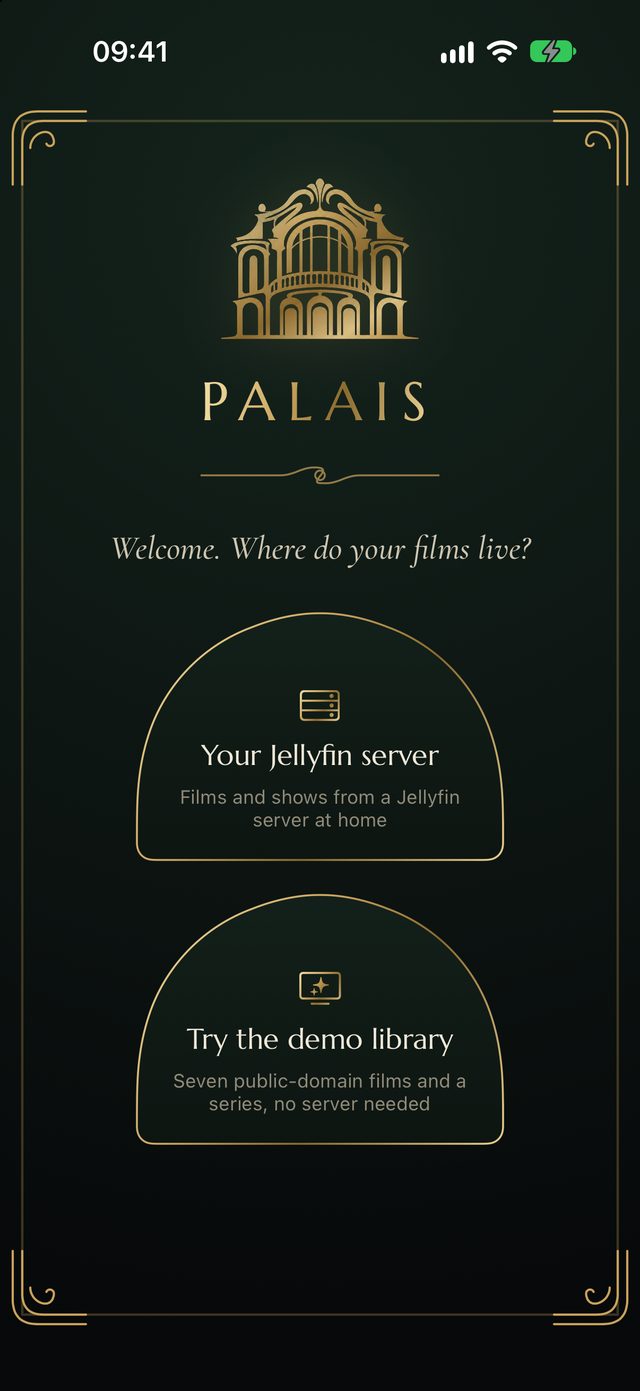
Tap “Try the demo library”
It's the second door on the welcome screen. Palais connects and signs in by itself.
-
3
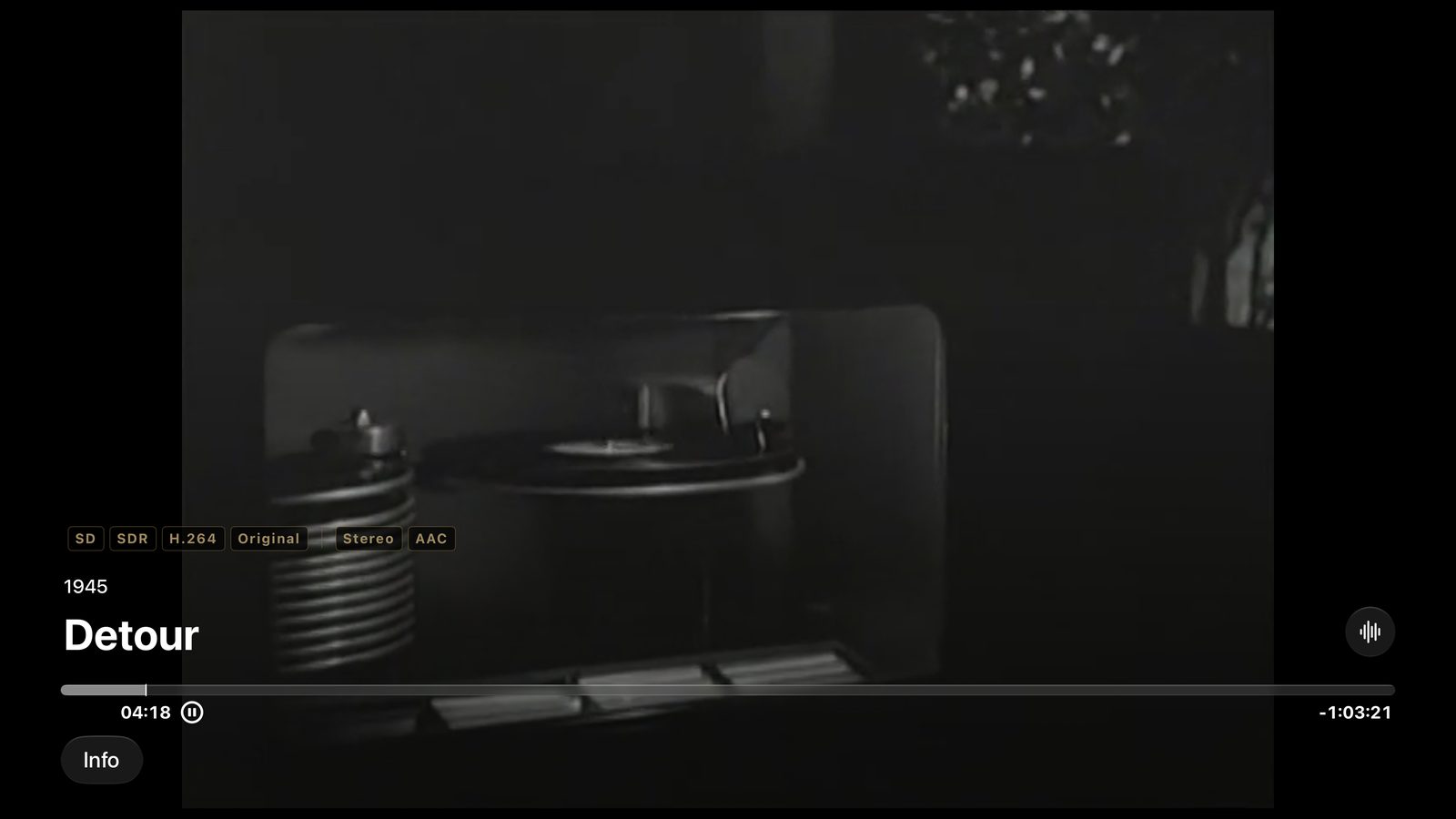
Press Play
Then press the remote's touch surface: the gold tags show exactly what is playing.
Now showing
Seven classic films and a series.
All in the public domain, all free to watch.








While you're there
Five things to try.
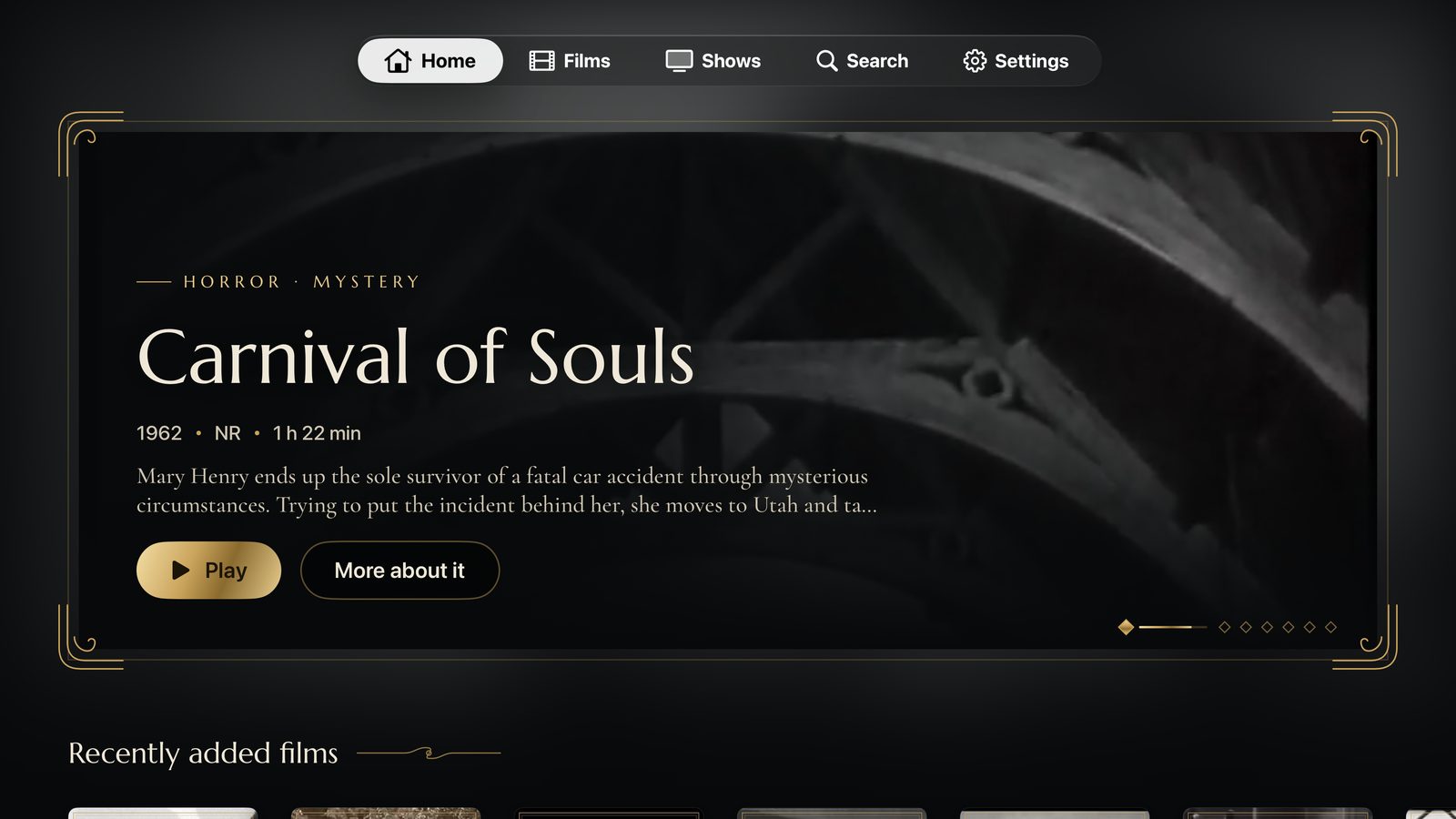
- Wait on Home. After a moment the film's own scene fades in inside the gold frame.
- Open a film. “More about it” shows the cast, the credits and the picture and sound quality.
- Watch a few minutes. Start a film, skip around, and see how quickly it picks up from a server far away.
- Switch screens. Stop on the TV and carry on on your iPhone, right where you left off.
- Binge a little. Play an episode of One Step Beyond to the end: the next one rolls in by itself.
Prefer to type it in?
Connect by hand
Choose “Your Jellyfin server”, then “Type an address”, and use:
- Server
https://demo.palais.tv- Name
guest- Password
palais-demo
Everyone shares this guest account, so you may see where other visitors stopped.
Like what you see? Bring your own films.
Palais plays the library on your own Jellyfin server just like this, at home and away.